Table of Contents
Other
In this section all other settings are located that do not fit into another category.
Input and Help
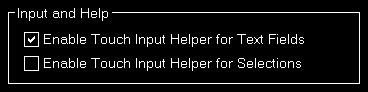
Here you can define if a touch input helper should be used for text and selection input fields.
 Note: While the Android or iOS app is connected both touch input helpers are activated automatically.
Additionally you can choose if the small help icons should be displayed in the top right corner of all sections.
Furthermore you can make the FS-FlightControl window to stay always on top of all other applications.
Program Startup Options
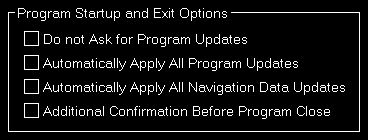
To allow a program start without user interaction you can define here that program updates as well as navigation data updates should always be applied without confirmation by the user.
Alternatively you can also disable the question regarding an update completely (which we do not recommend).
Furthermore you have the option here to activate an additional confirmation message before the program is really closed - in case of accidental clicks on the Exit button.
Color Settings

Use this area to change colors used all over the software.
You can also use the button Reset to Defaults to revert all your color changes.